5V Flow Series LED Bluetooth Controller (V2)
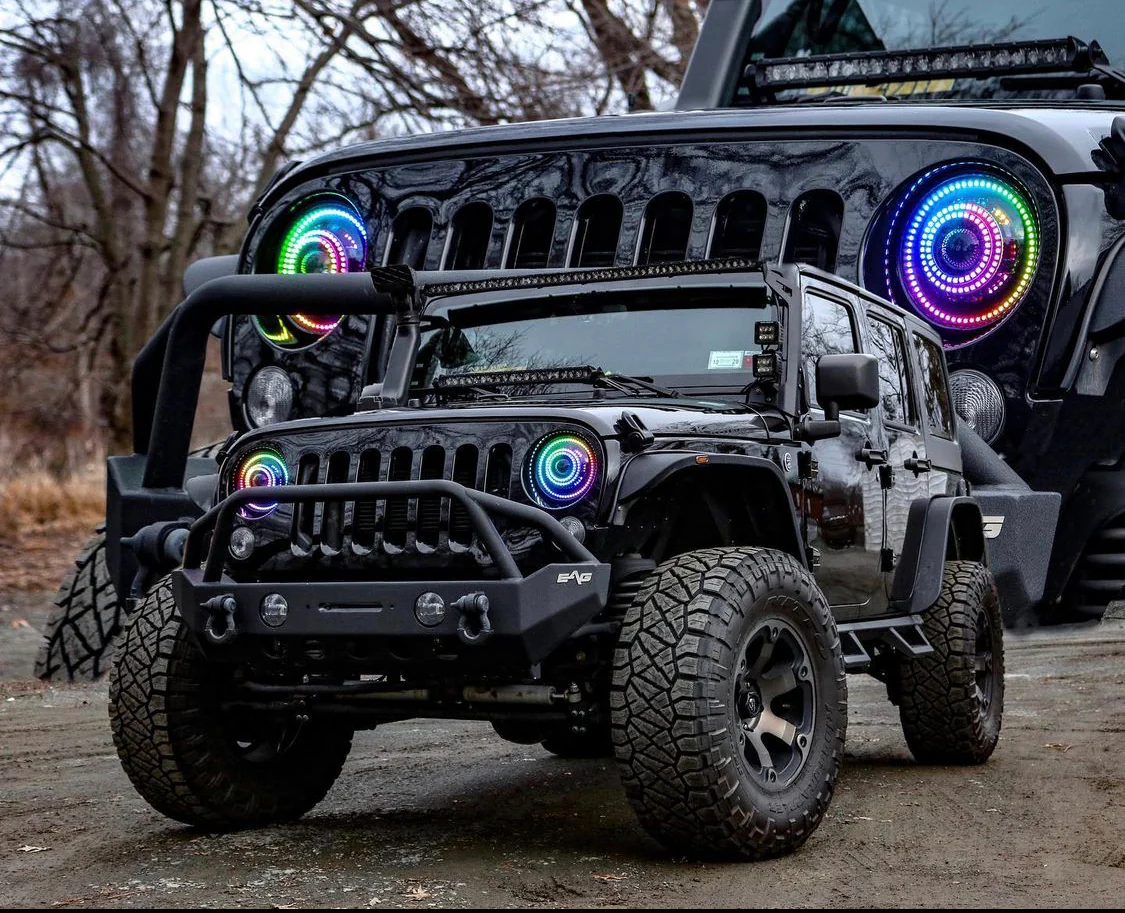
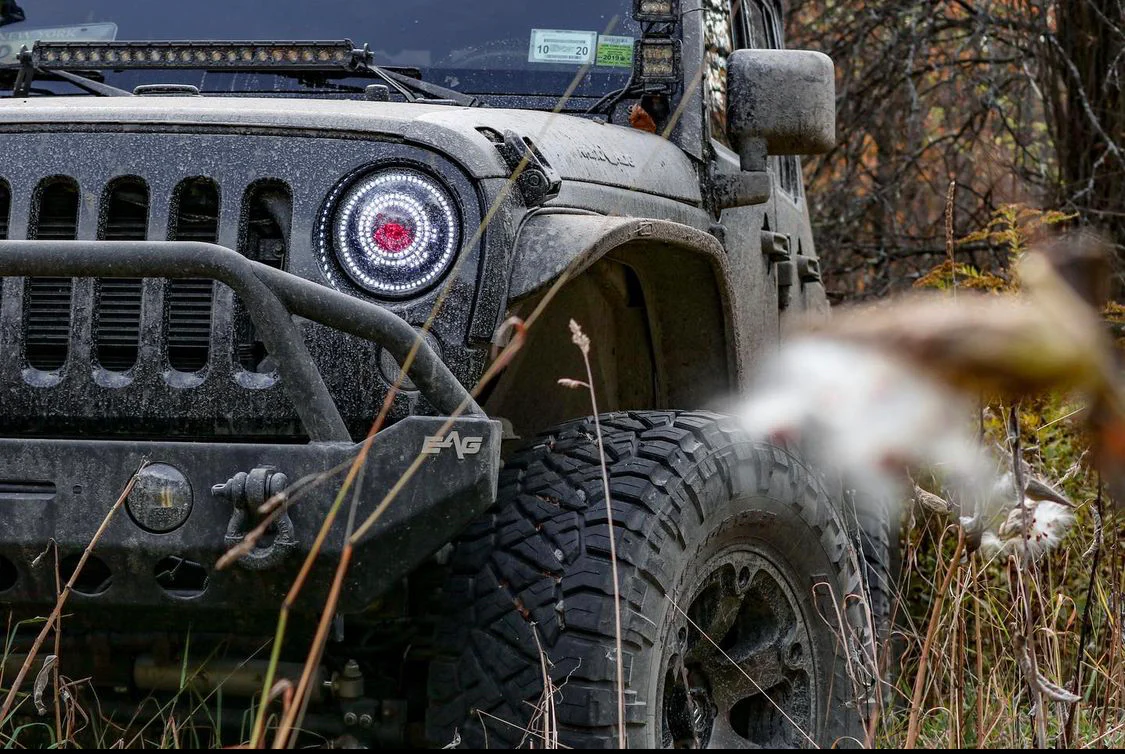
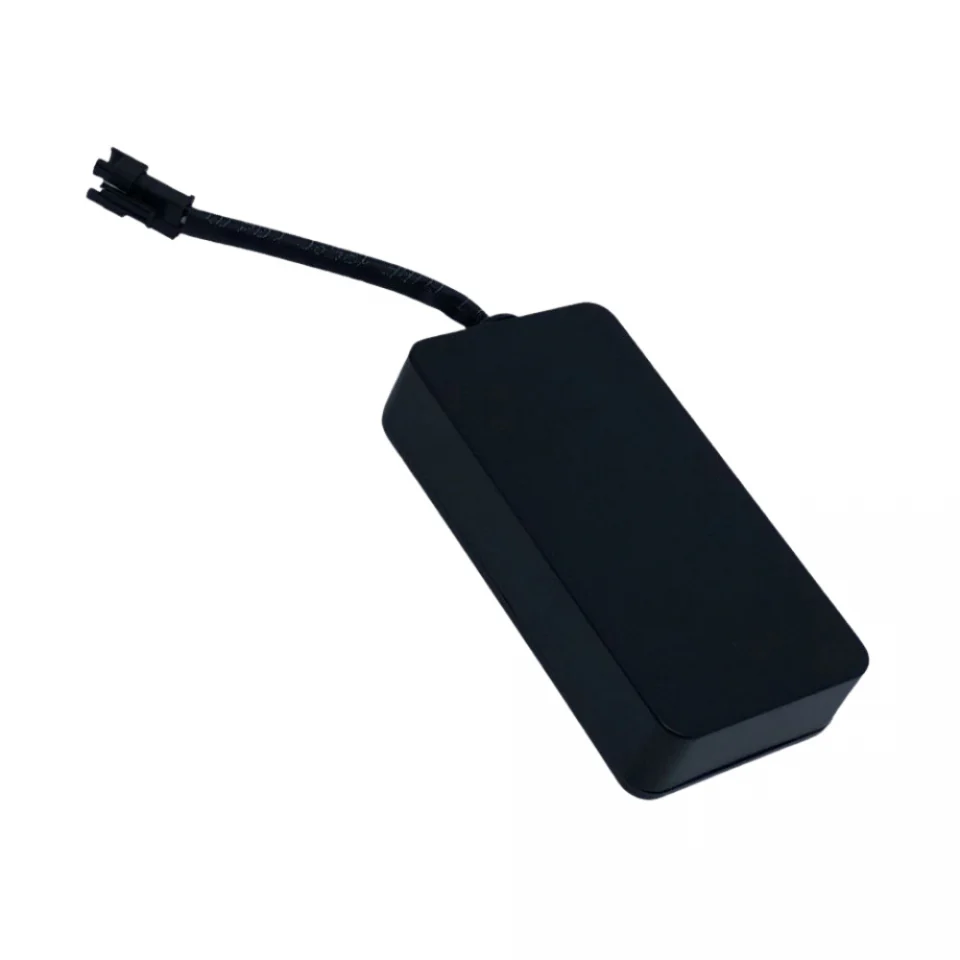
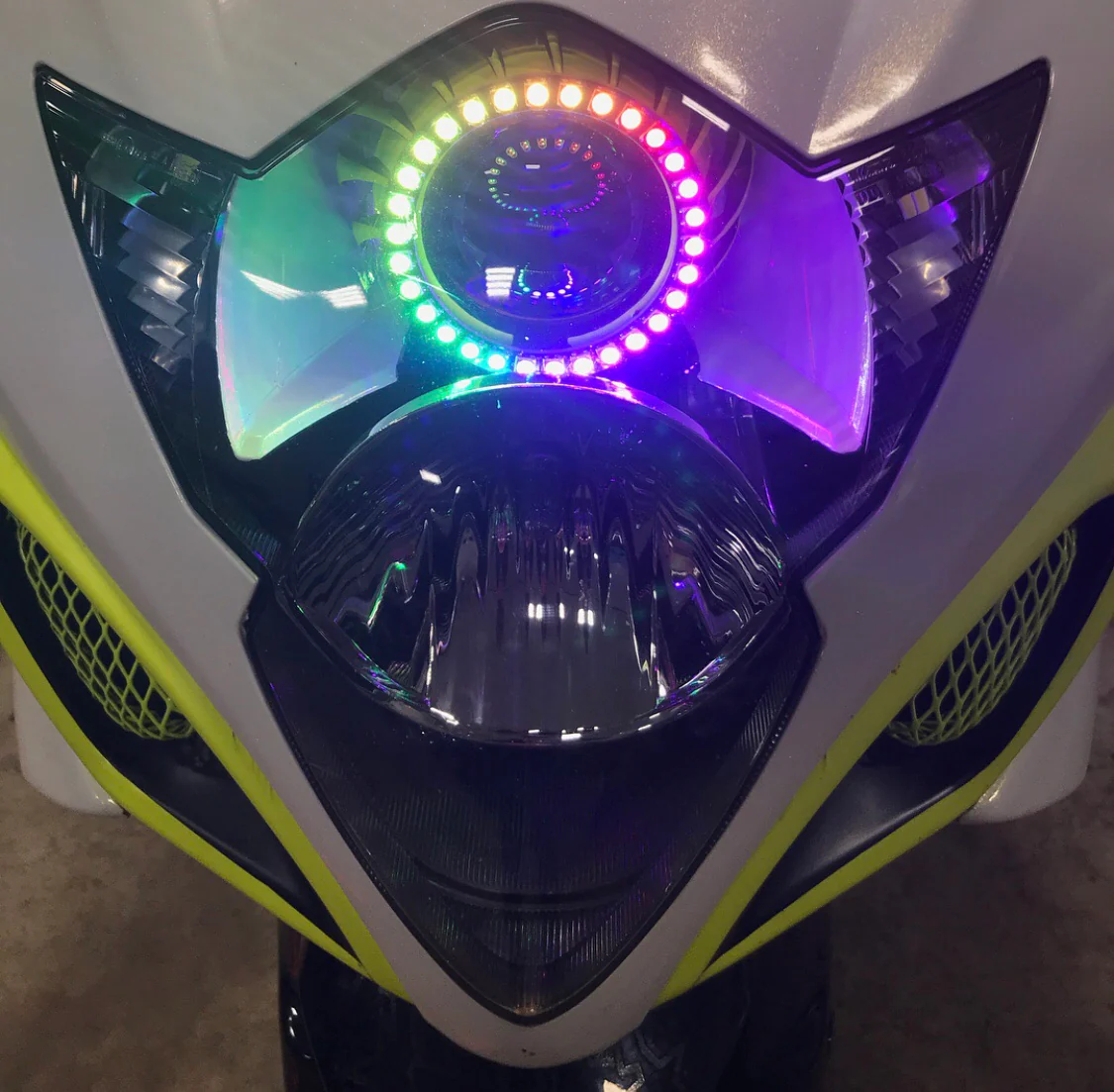
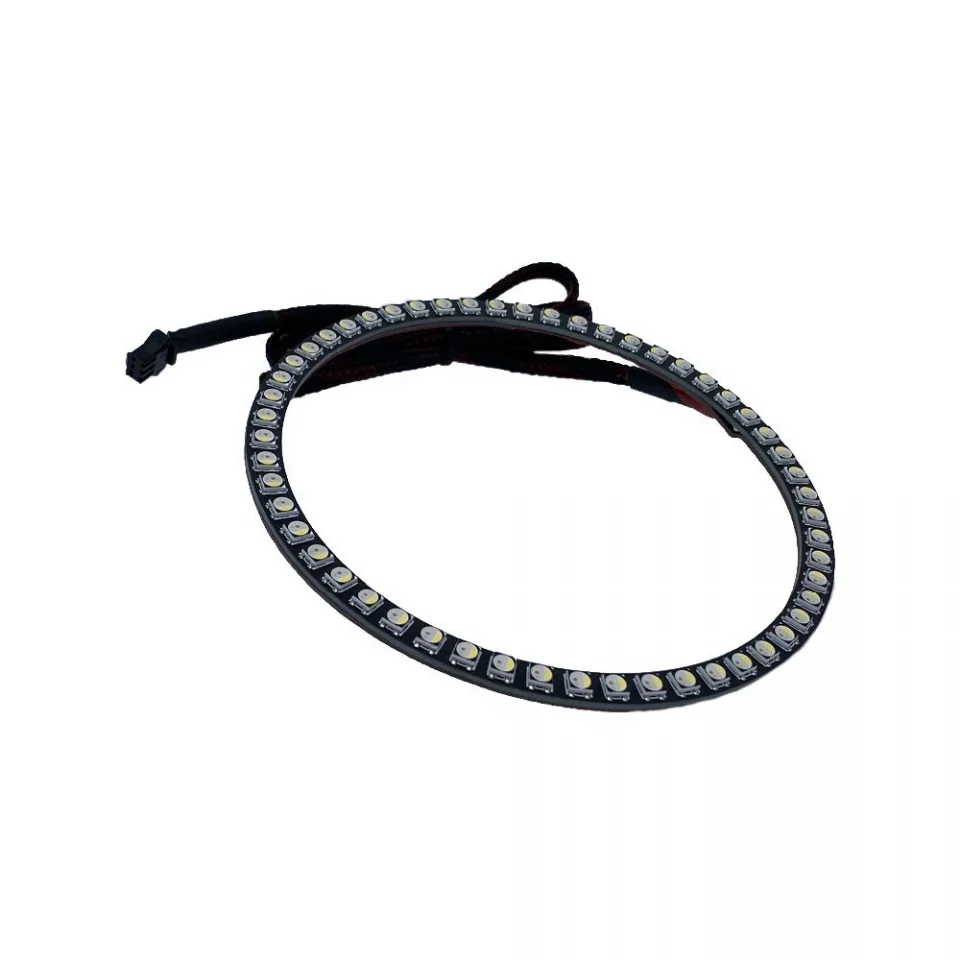
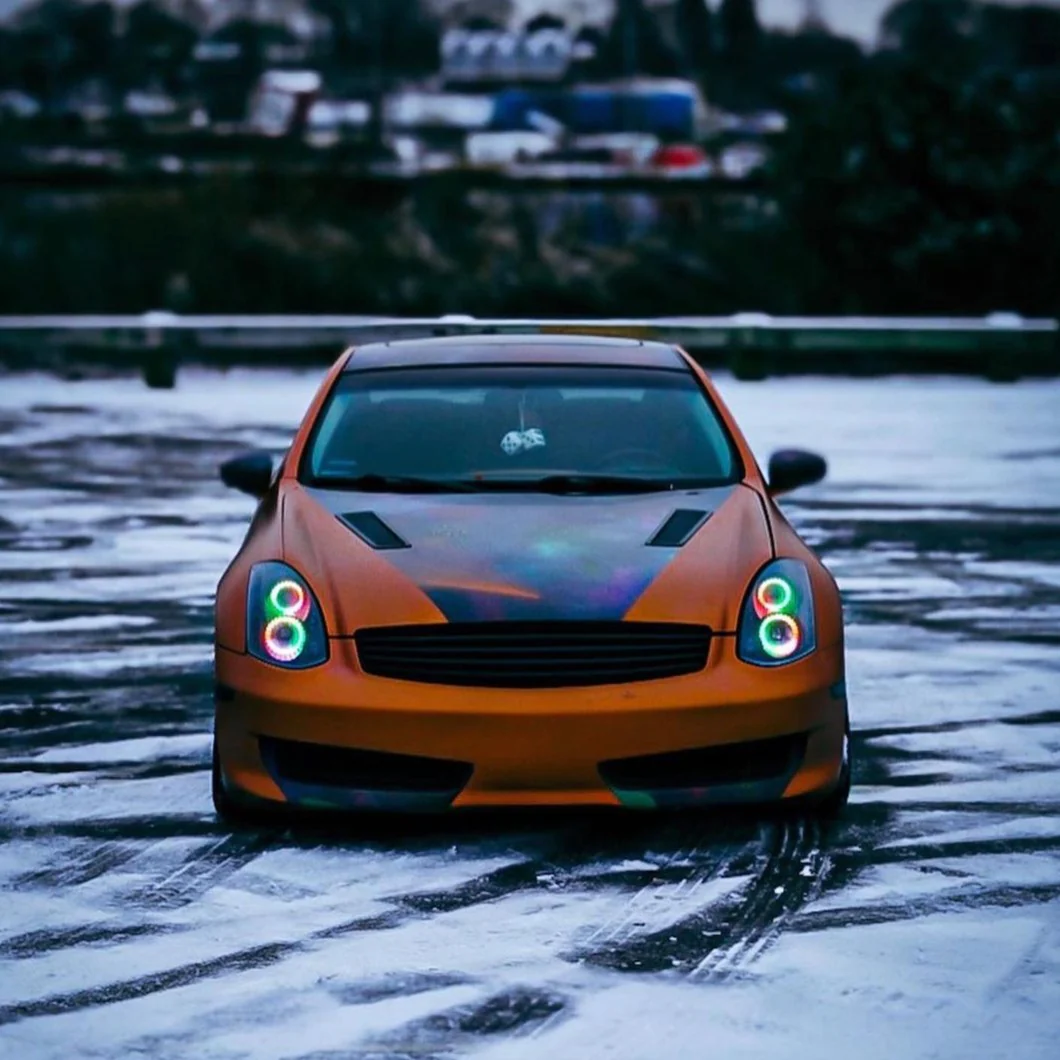
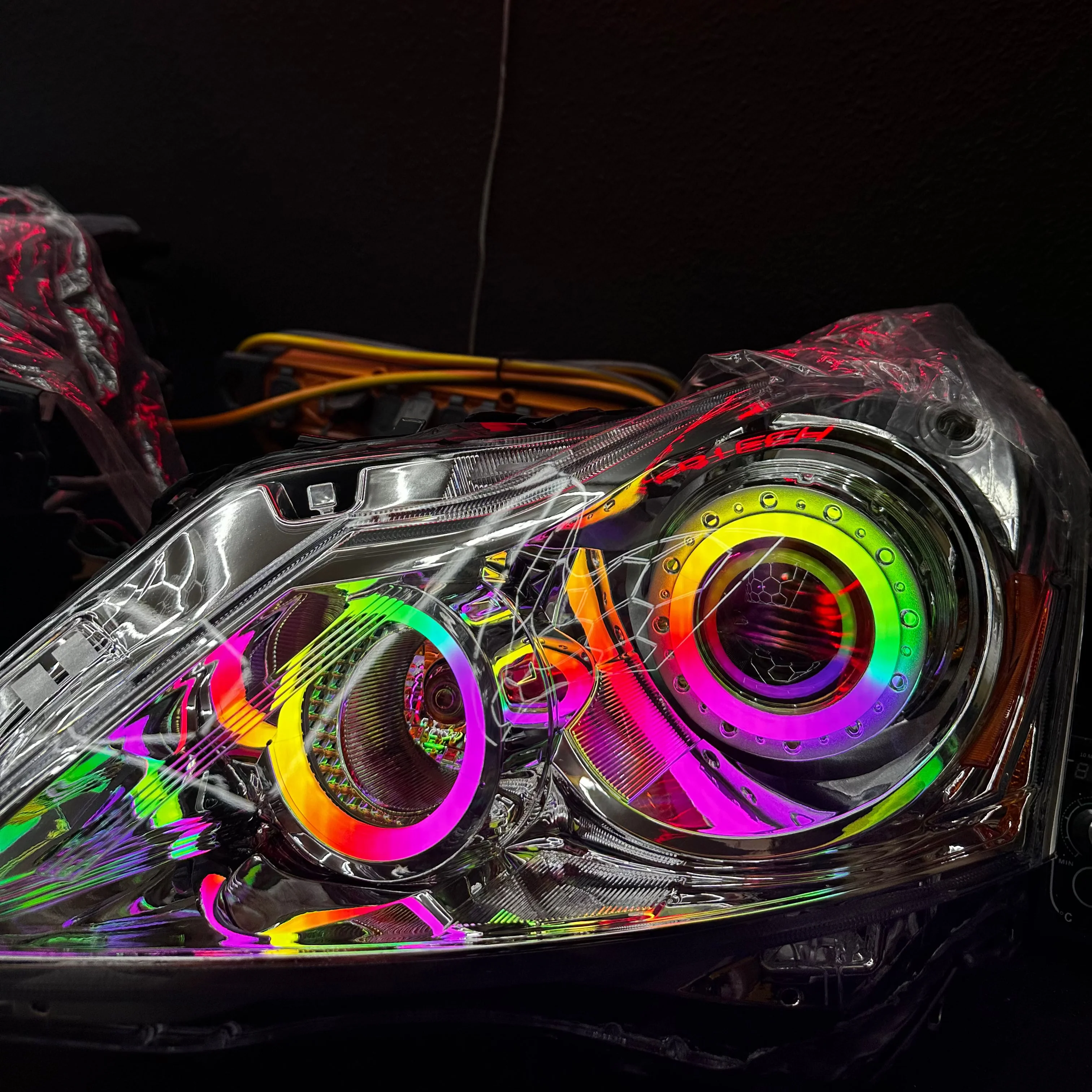
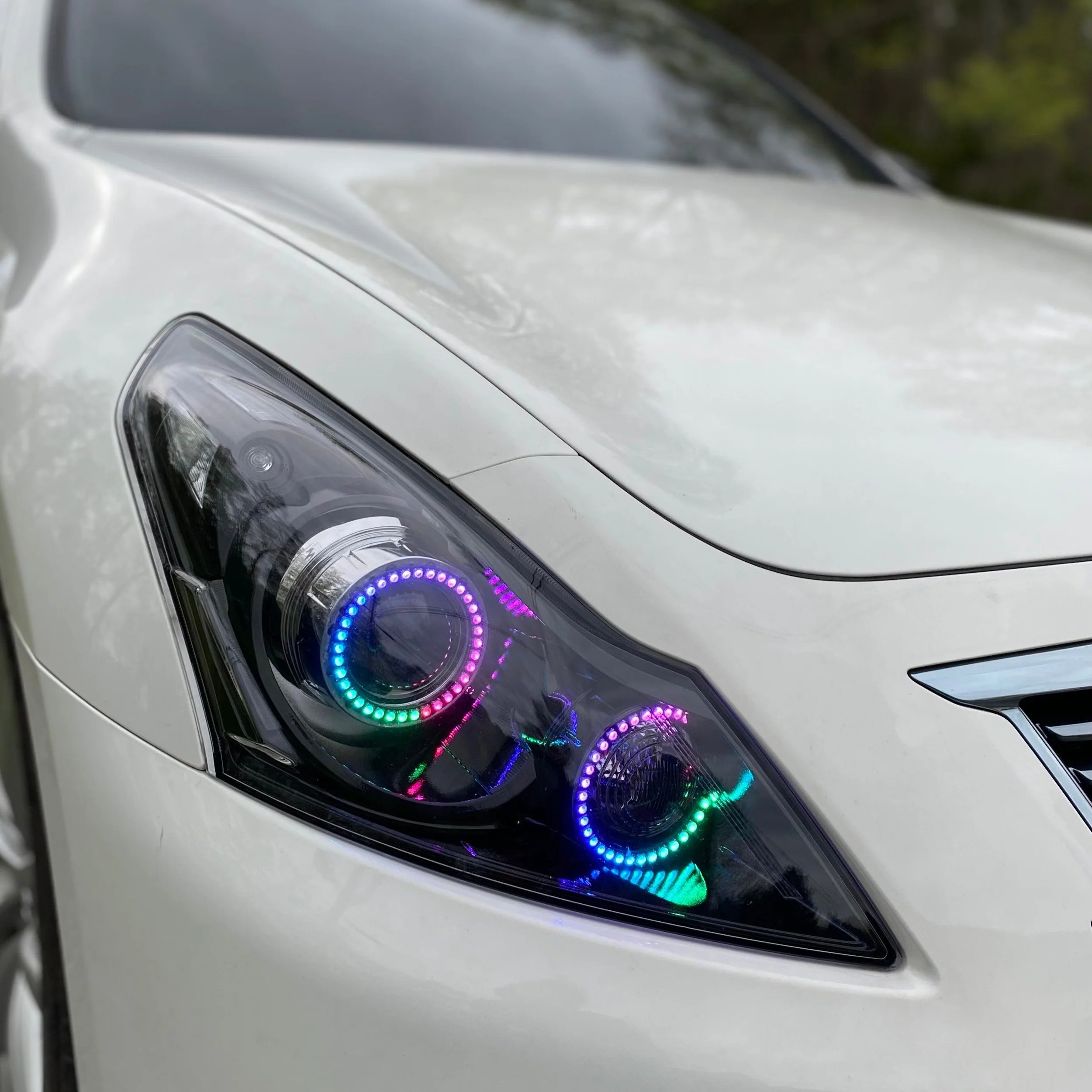
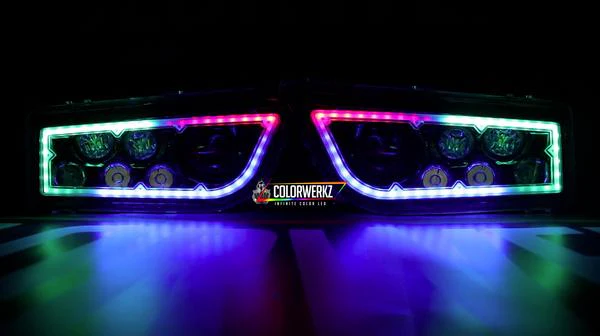
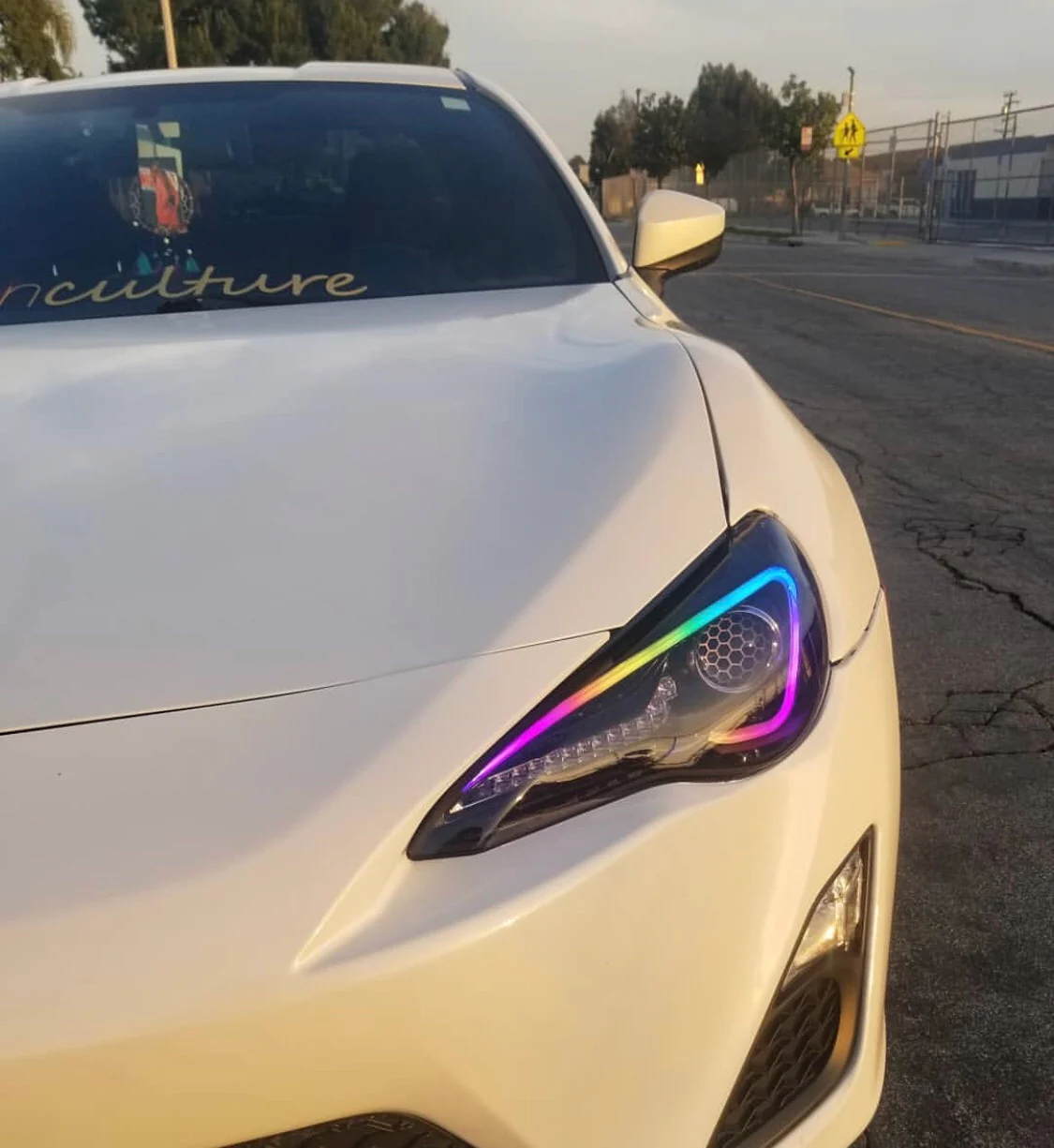
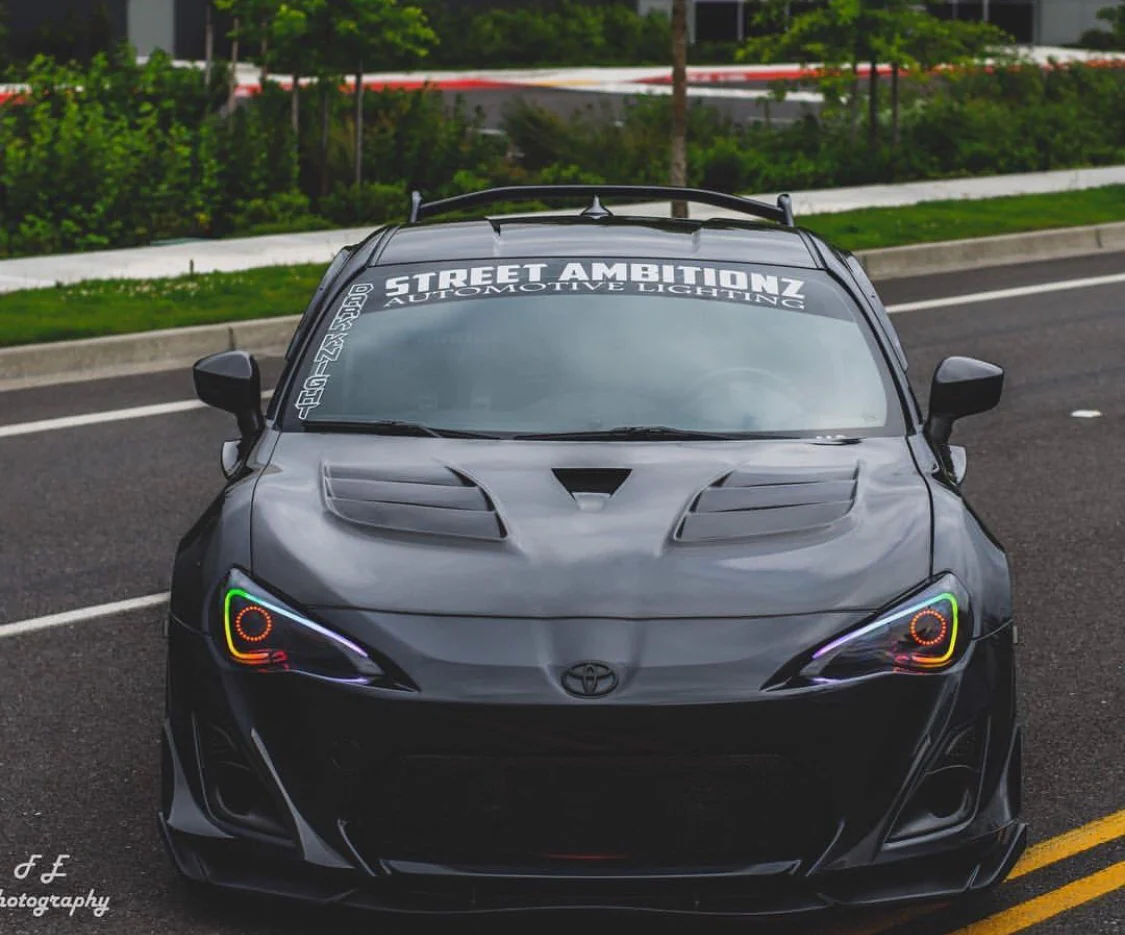
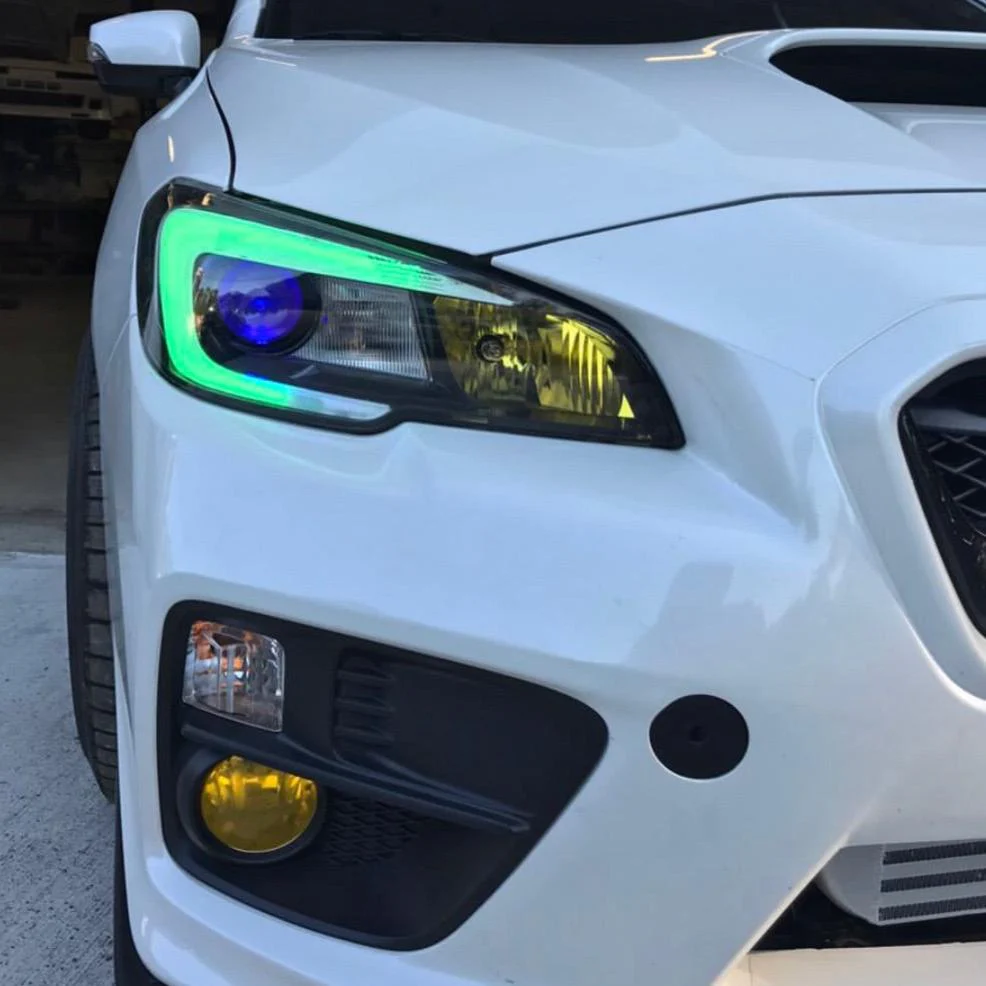
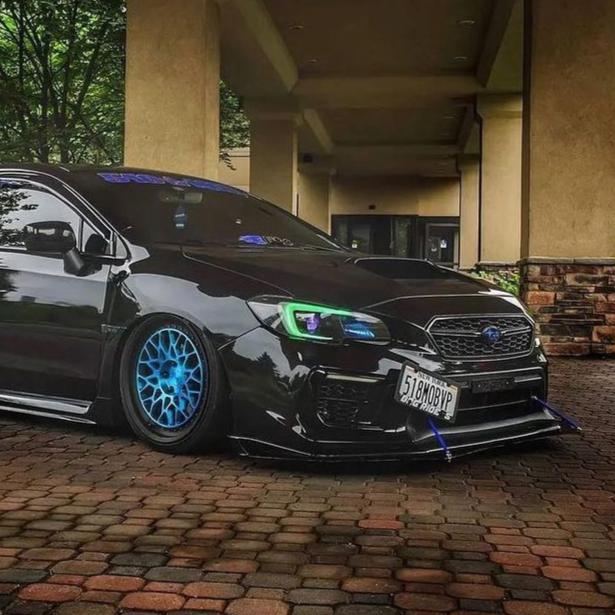
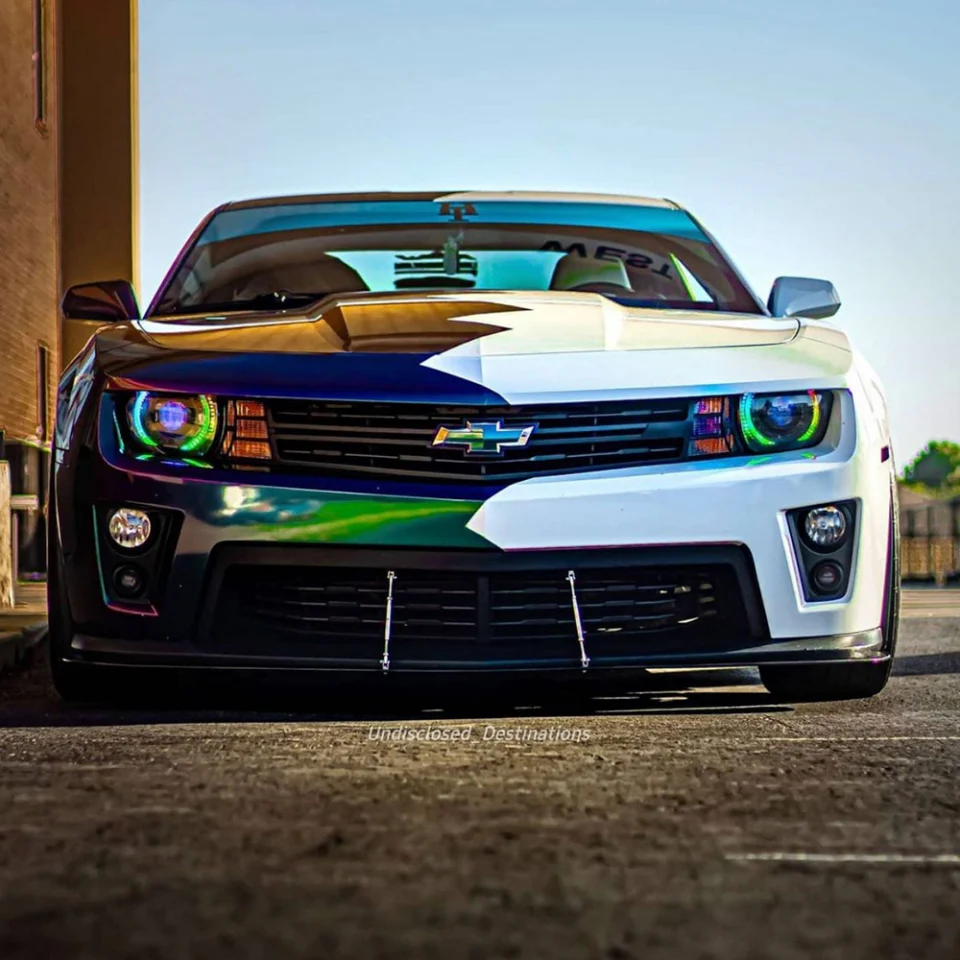
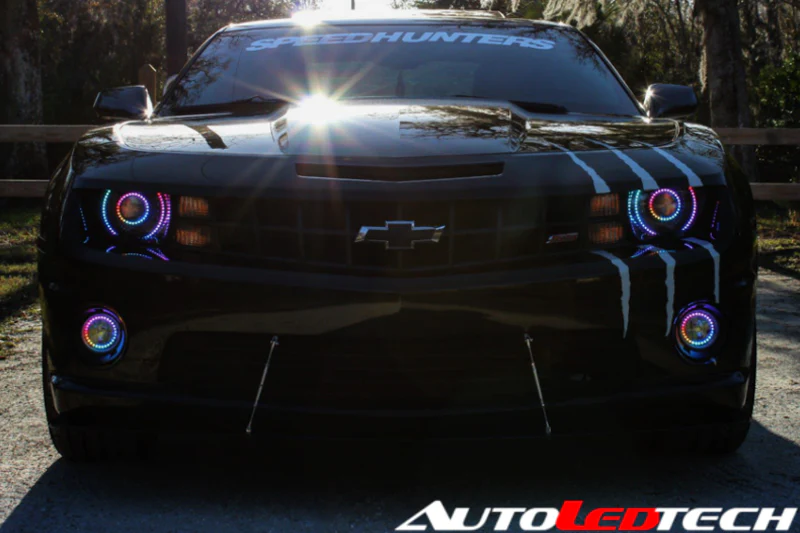
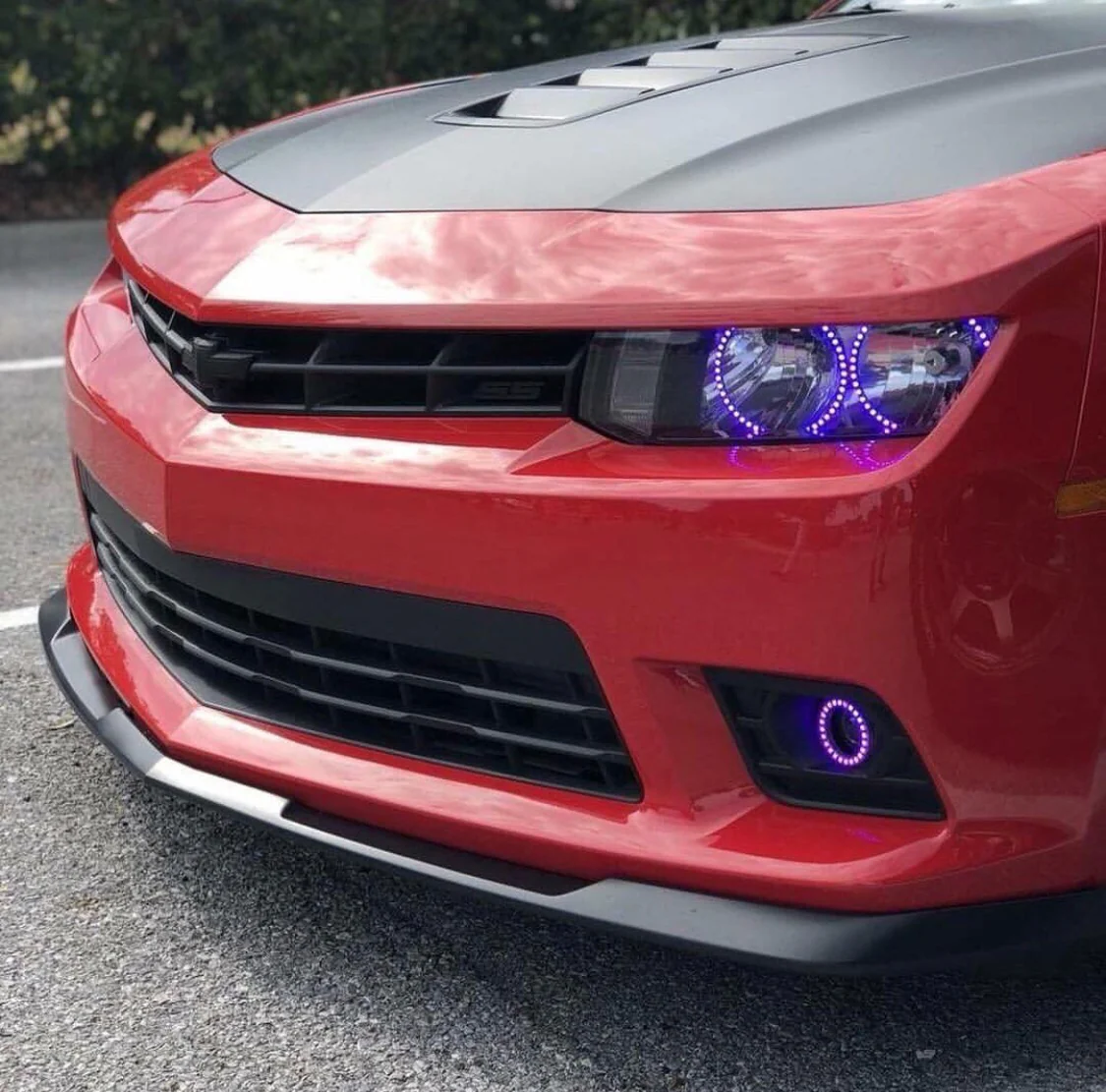
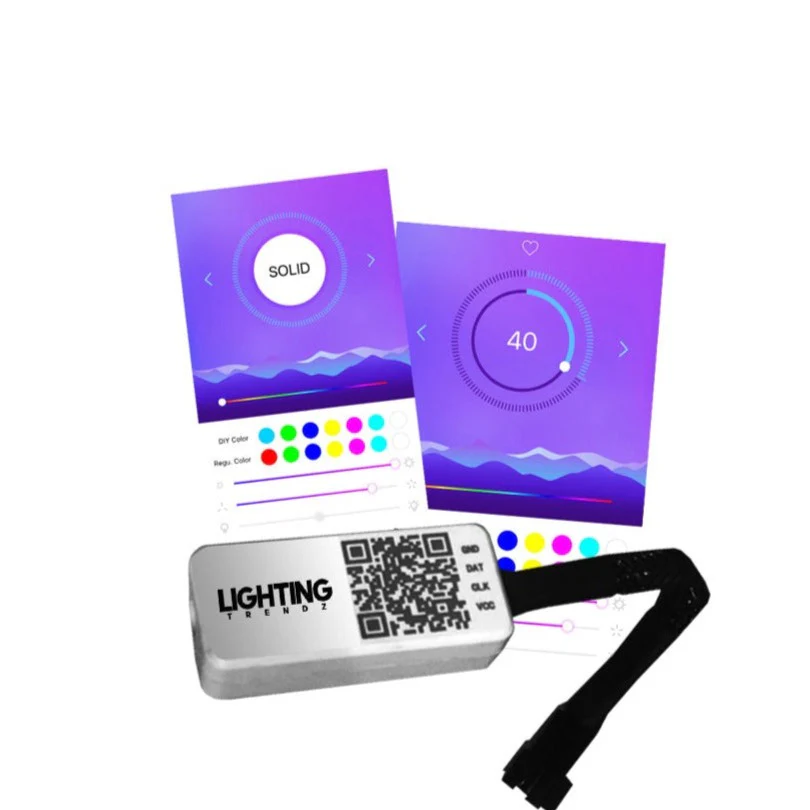
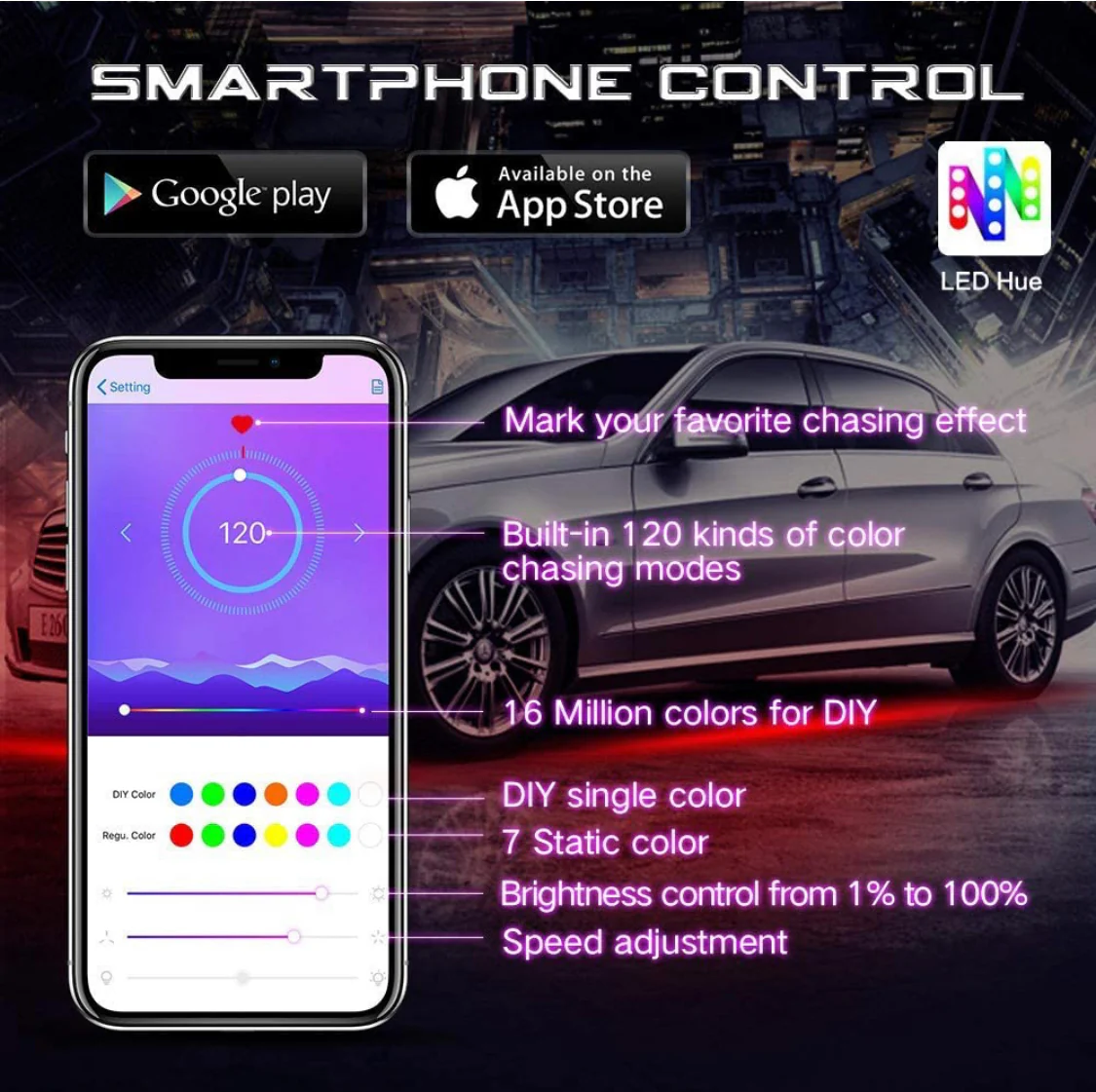
AutoLEDTech's updated Flow Series, Color-Chasing bluetooth controller, featuring 120 Color-Chasing patterns, full RGBW solid color slider and mode selection, and brightness + speed control. Compatible with all of our 5V Flow Series halo kits, DRL boards, 5V strips, and emblems.
Additional features include:
Multi-channel compatibility: Rename each controller within the app to easily control multiple controllers.
Favorites menu: Save your favorite colors and patterns into a favorites menu.
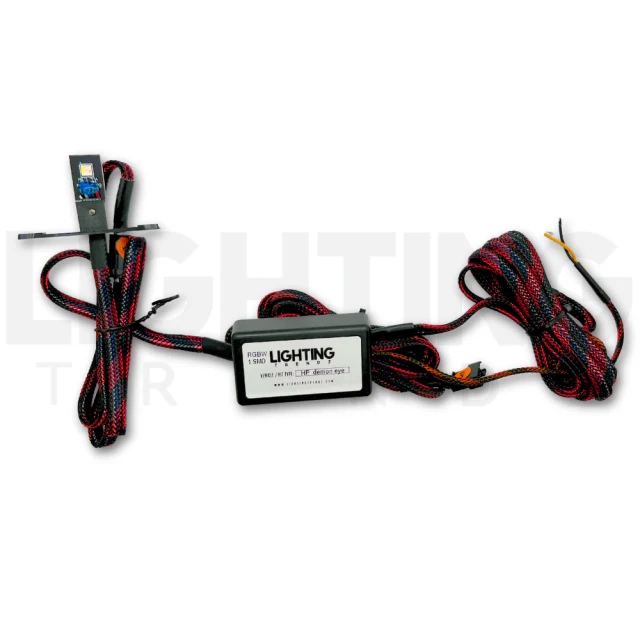
Flow series bluetooth controllers do require our Plug & Play Regulator + harness to function. If you are looking to upgrade your controller on an existing setup, an additional harness is not needed. Simply swap out your old controller with this one.
**For use with more then 4 outputs please add our flow series 2-1 splitters as needed.**
- Download LEDHue App for Apple iOS devices: iOS 8.0 or later
- Download LEDHue App for Android OS devices: Android 4.4 or later
Click the link below for a detailed wiring diagram and instructions on how to setup your bluetooth controller:
>>Color-Chasing Bluetooth Controller Setup<<
Connecting your Bluetooth controller
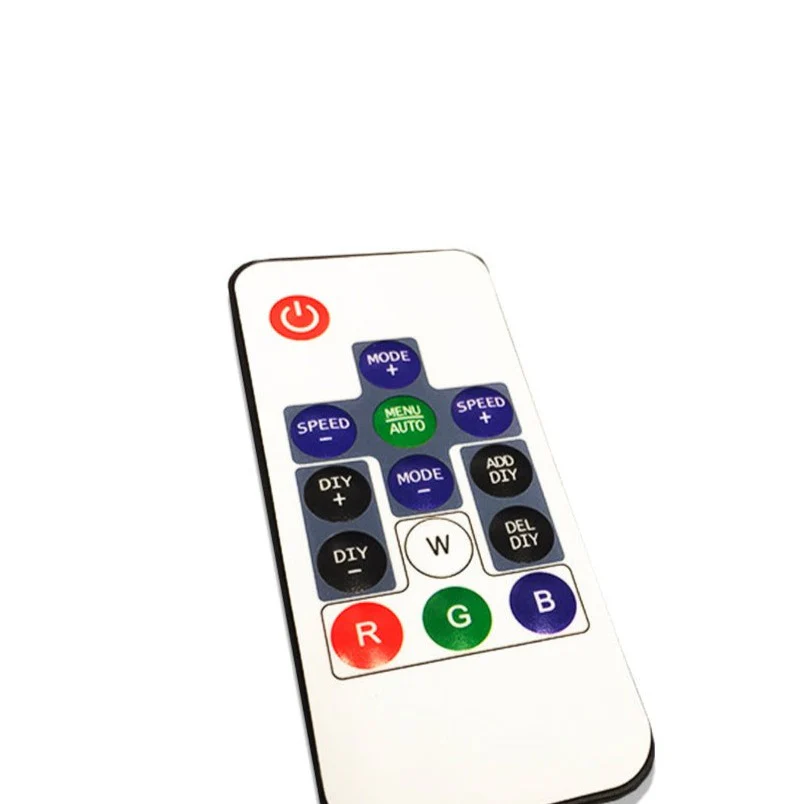
Connect the handheld or bluetooth controller to the single female JST connector from the wiring harness. DO NOT ATTEMPT TO RUN ADDITIONAL VOLTAGE TO THE BLUETOOTH CONTROLLER. THIS WILL PERMANENTLY DAMAGE THE HARNESS AND HALOS. Place the controller in a relatively cool, dry place away from moisture or direct engine heat. Utilize a wire extension if needed.
Setting up your Bluetooth Controller
1. For our Bluetooth controller, download the LED Hue app from the App/Google Play store. Ensure that bluetooth is enabled on your smartphone HOWEVER, DO NOT ATTEMPT TO CONNECT TO THE CONTROLLER. Simply open the LED Hue app and wait for the app to search for the controller. It should show up as SP110E. Click on the controller to begin controlling the halos. If you click and hold the controller name, you can edit the name of it. Ensure that the settings are as follows:
- Set the LED color order to "GRB"
- Set the LED type to SK6812_RGBW
- Set the LED count to the number of LEDs on the largest halo
****All Bluetooth controllers must be connected to a 12v-5v regulator. Failure to due so will result in possible damage your halos and wiring harness
****All Bluetooth controllers must be located in a dry place, away from direct heat. Failure to do so could result in failure of your Bluetooth Controller and/or halos
Product Information
Product Information
Shipping & Returns
Shipping & Returns
5V Flow Series LED Bluetooth Controller (V2)
5V Flow Series LED Bluetooth Controller (V2)
AutoLEDTech's updated Flow Series, Color-Chasing bluetooth controller, featuring 120 Color-Chasing patterns, full RGBW solid color slider and mode selection, and brightness + speed control. Compatible with all of our 5V Flow Series halo kits, DRL boards, 5V strips, and emblems.
Additional features include:
Multi-channel compatibility: Rename each controller within the app to easily control multiple controllers.
Favorites menu: Save your favorite colors and patterns into a favorites menu.
Flow series bluetooth controllers do require our Plug & Play Regulator + harness to function. If you are looking to upgrade your controller on an existing setup, an additional harness is not needed. Simply swap out your old controller with this one.
**For use with more then 4 outputs please add our flow series 2-1 splitters as needed.**
- Download LEDHue App for Apple iOS devices: iOS 8.0 or later
- Download LEDHue App for Android OS devices: Android 4.4 or later
Click the link below for a detailed wiring diagram and instructions on how to setup your bluetooth controller:
>>Color-Chasing Bluetooth Controller Setup<<
Connecting your Bluetooth controller
Connect the handheld or bluetooth controller to the single female JST connector from the wiring harness. DO NOT ATTEMPT TO RUN ADDITIONAL VOLTAGE TO THE BLUETOOTH CONTROLLER. THIS WILL PERMANENTLY DAMAGE THE HARNESS AND HALOS. Place the controller in a relatively cool, dry place away from moisture or direct engine heat. Utilize a wire extension if needed.
Setting up your Bluetooth Controller
1. For our Bluetooth controller, download the LED Hue app from the App/Google Play store. Ensure that bluetooth is enabled on your smartphone HOWEVER, DO NOT ATTEMPT TO CONNECT TO THE CONTROLLER. Simply open the LED Hue app and wait for the app to search for the controller. It should show up as SP110E. Click on the controller to begin controlling the halos. If you click and hold the controller name, you can edit the name of it. Ensure that the settings are as follows:
- Set the LED color order to "GRB"
- Set the LED type to SK6812_RGBW
- Set the LED count to the number of LEDs on the largest halo
****All Bluetooth controllers must be connected to a 12v-5v regulator. Failure to due so will result in possible damage your halos and wiring harness
****All Bluetooth controllers must be located in a dry place, away from direct heat. Failure to do so could result in failure of your Bluetooth Controller and/or halos
Original: $137.00
-70%$137.00
$41.10Product Information
Product Information
Shipping & Returns
Shipping & Returns
Description
AutoLEDTech's updated Flow Series, Color-Chasing bluetooth controller, featuring 120 Color-Chasing patterns, full RGBW solid color slider and mode selection, and brightness + speed control. Compatible with all of our 5V Flow Series halo kits, DRL boards, 5V strips, and emblems.
Additional features include:
Multi-channel compatibility: Rename each controller within the app to easily control multiple controllers.
Favorites menu: Save your favorite colors and patterns into a favorites menu.
Flow series bluetooth controllers do require our Plug & Play Regulator + harness to function. If you are looking to upgrade your controller on an existing setup, an additional harness is not needed. Simply swap out your old controller with this one.
**For use with more then 4 outputs please add our flow series 2-1 splitters as needed.**
- Download LEDHue App for Apple iOS devices: iOS 8.0 or later
- Download LEDHue App for Android OS devices: Android 4.4 or later
Click the link below for a detailed wiring diagram and instructions on how to setup your bluetooth controller:
>>Color-Chasing Bluetooth Controller Setup<<
Connecting your Bluetooth controller
Connect the handheld or bluetooth controller to the single female JST connector from the wiring harness. DO NOT ATTEMPT TO RUN ADDITIONAL VOLTAGE TO THE BLUETOOTH CONTROLLER. THIS WILL PERMANENTLY DAMAGE THE HARNESS AND HALOS. Place the controller in a relatively cool, dry place away from moisture or direct engine heat. Utilize a wire extension if needed.
Setting up your Bluetooth Controller
1. For our Bluetooth controller, download the LED Hue app from the App/Google Play store. Ensure that bluetooth is enabled on your smartphone HOWEVER, DO NOT ATTEMPT TO CONNECT TO THE CONTROLLER. Simply open the LED Hue app and wait for the app to search for the controller. It should show up as SP110E. Click on the controller to begin controlling the halos. If you click and hold the controller name, you can edit the name of it. Ensure that the settings are as follows:
- Set the LED color order to "GRB"
- Set the LED type to SK6812_RGBW
- Set the LED count to the number of LEDs on the largest halo
****All Bluetooth controllers must be connected to a 12v-5v regulator. Failure to due so will result in possible damage your halos and wiring harness
****All Bluetooth controllers must be located in a dry place, away from direct heat. Failure to do so could result in failure of your Bluetooth Controller and/or halos